Best GPS Watches for Multi-Day Backpacking Navigation
By Marta Kovács • 6th Jun
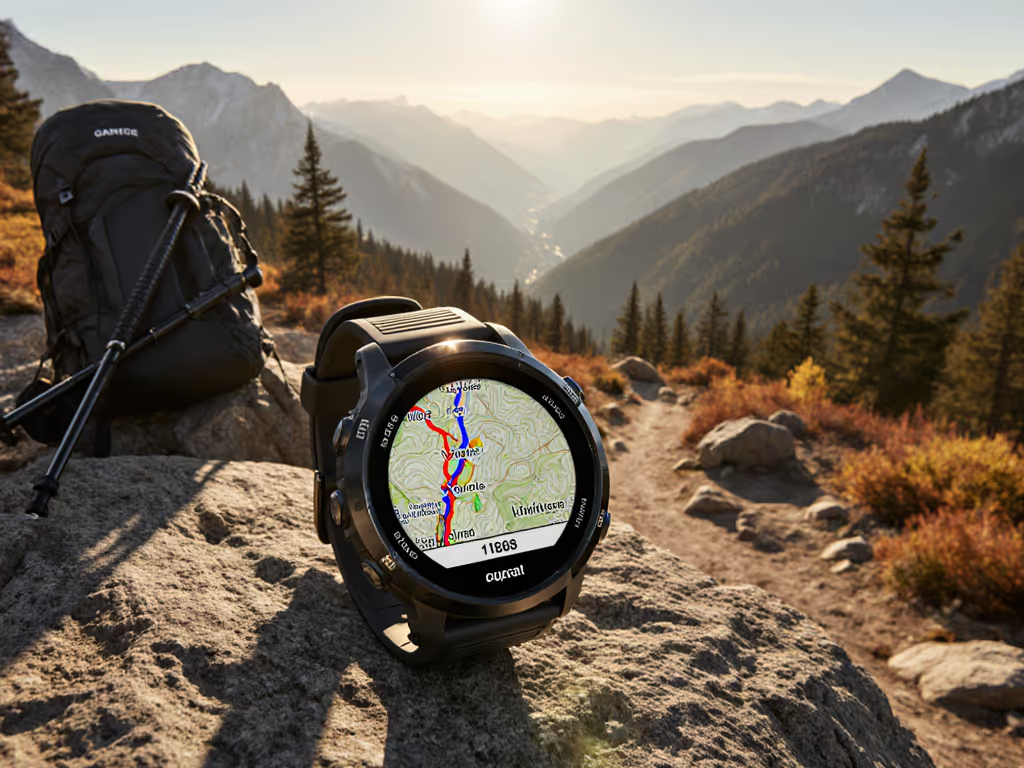
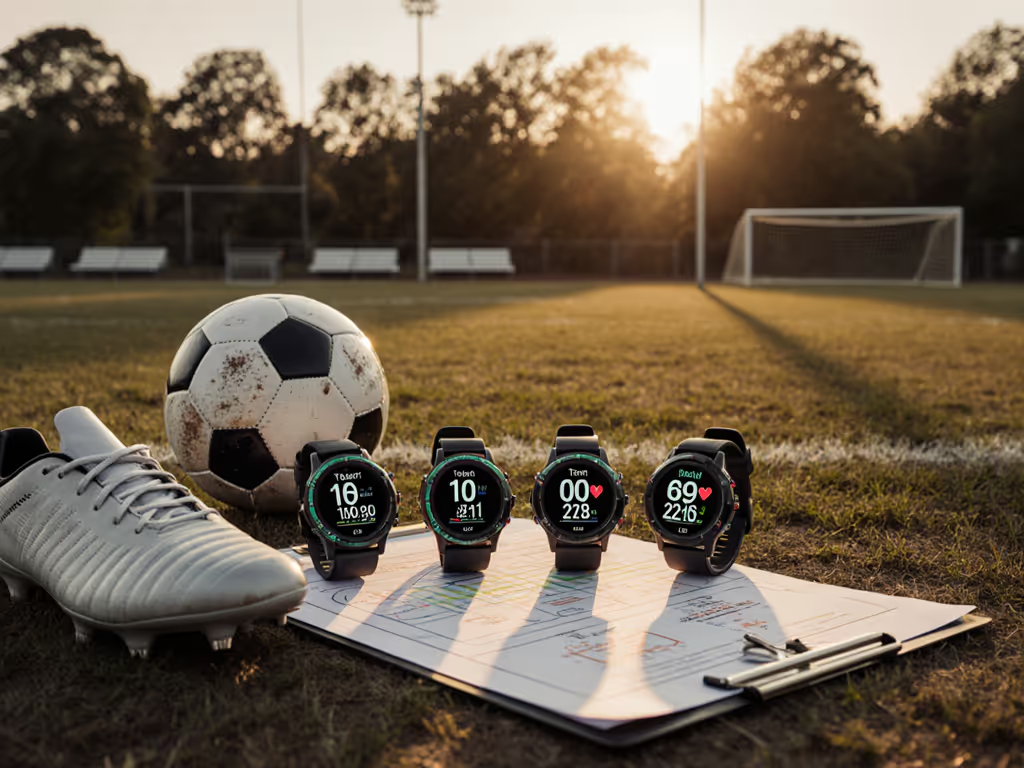
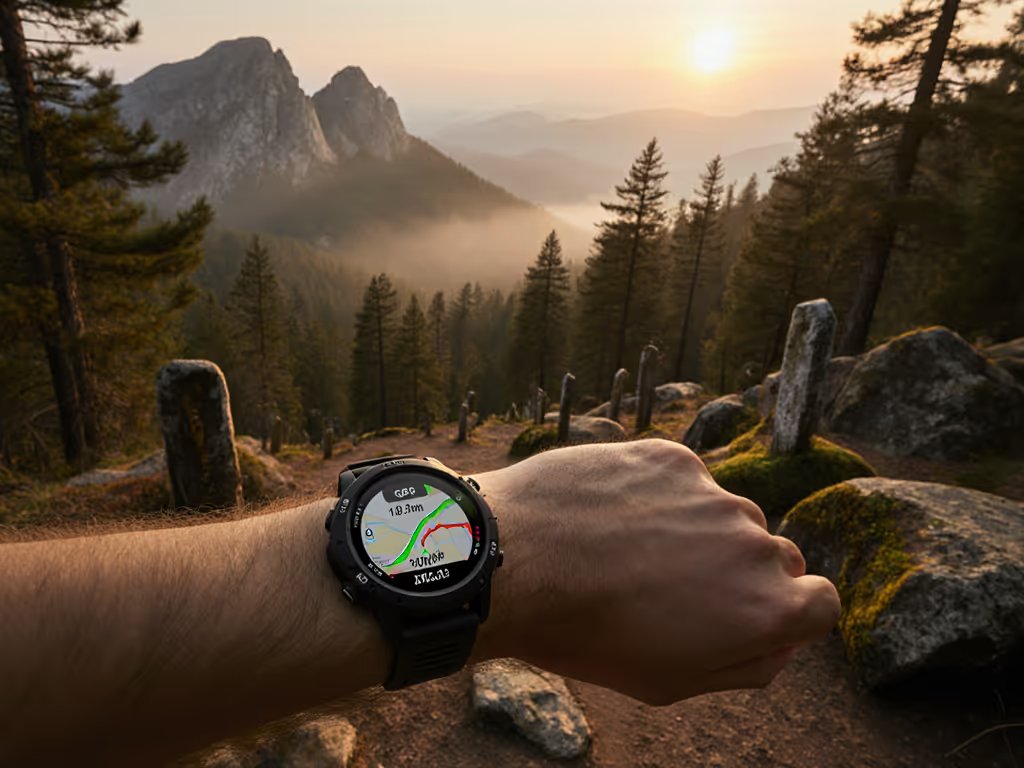
If you're looking for the best watch for hiking with GPS and feel like most reviews are really about marathon splits, this is the backpacking navigation watch guide that treats your watch as safety gear, not a toy.
Most mainstream "best GPS watch" lists focus on runners and triathletes, not people living out of a pack for 3-10 days off-grid. Multi-day backpacking is a different problem: cold, weight, unreliable power, and the need for predictable navigation, not just pretty charts.
Endurance is a safety margin.
You don't need the flashiest smartwatch; you need a weather-resistant backpacking watch that will still be logging when your phone, bank, and partner's wrist candy are dead. Batteries lie; logs don't - budget before you boot, always.
How This Guide Works (Why You Can Trust It)
I plan trips around extended trip battery optimization. That means:
- I assume no reliable charging for the core navigation watch.
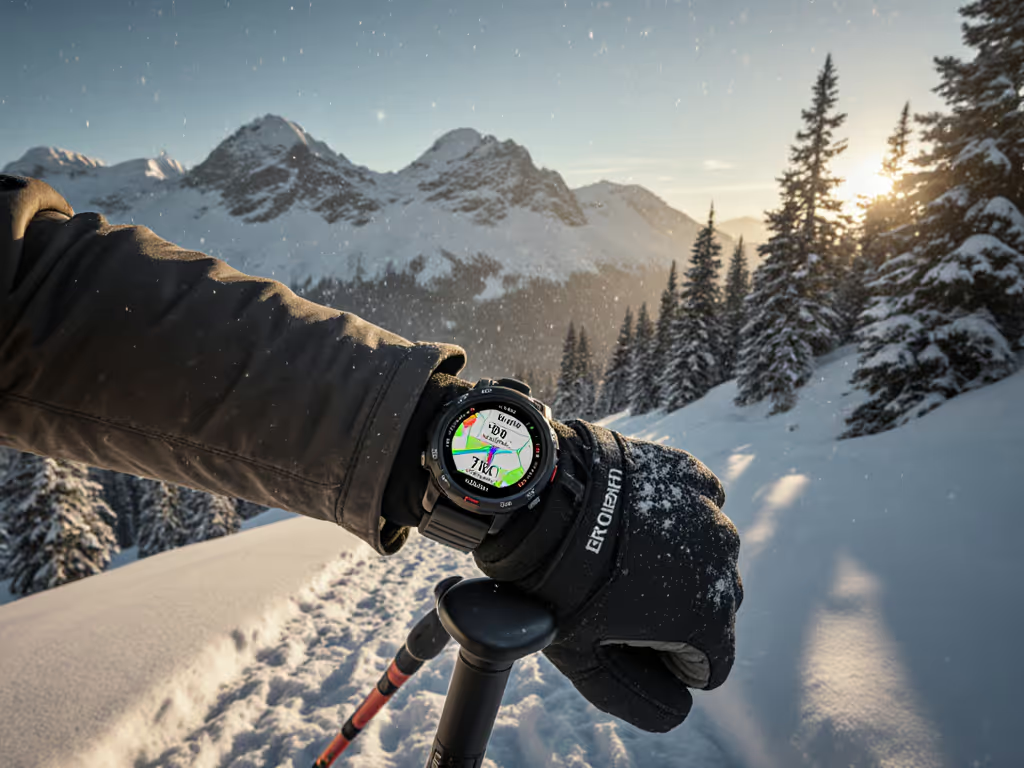
- I assume cold nights that can slash effective capacity.
- I prioritize offline-first navigation (backcountry offline maps, GPX, waypoints) over smart features.
- I favor physical buttons and glove use over fragile touch.
Lab reviews from outdoor and fitness outlets increasingly test GPS accuracy and battery, but multi-day backpacking still exposes edge cases they rarely cover: four nights of frost, 12-hour rain days, constant glove use, and routes that change mid-trip.
On one winter traverse, I watched phones, banks, and one high-end smartwatch fold by day three of a cold snap. The only device logging clean tracks at the exit was the one that had been aggressively tuned: lower backlight, smart sampling, maps preloaded, no junk notifications. That shaped the way I evaluate every watch below.
Core Checklist: What a Multi-Day Backpacking GPS Watch Must Do
Use this checklist before you even look at models:
Battery & Modes
- Minimum 40+ hours of GNSS logging in a realistic hiking profile (1-5s recording), at near-freezing overnight temps.
- Clear, configurable battery modes with predictable runtime estimates.
- Ability to switch modes mid-activity without losing the track.
Navigation & Offline Use
- Reliable breadcrumb and route-following, with off-course alerts.
- Either on-watch maps or at least a clean breadcrumb and waypoints you can manage offline.
- Easy GPX import/export without needing live internet. For off-grid SOS and location sharing comparisons tailored to backcountry use, read our emergency location sharing guide.
Hardware & Controls
- Buttons-first interface; any touchscreen should be optional, lockable, and glove-friendly.
- Weather-resistant backpacking watch build: proper water rating, scratch-resistant glass, solid strap and lugs.
- Bright, readable display in sun, storm, and at 3 a.m.
Ecosystem & Data
- Straightforward GPX/FIT export and local backups.
- Good sensor support (HR chest strap, at minimum; ideally temp/altitude pods and others).
- Long-term firmware support without "update roulette" that breaks stable features.
If a watch fails any of these, it's a questionable primary nav tool for multi-day use.
1. Garmin Enduro 3 - Benchmark for Multi-Day GPS Endurance
If your trips are 3-10 days with limited power, the Garmin Enduro 3 is the closest thing to a "carry once, forget about the battery" watch you can buy right now.
Why it works for multi-day backpacking
- Designed explicitly as an endurance-first sports watch with one of the longest claimed GPS runtimes on the market.
- Uses efficient GNSS chipsets and flexible power modes, making it easier to trade precision for runtime when conditions allow.
- Rugged, high-grade case and glass; built to stay on your wrist through mud, snow, and river crossings.
In independent sports-watch tests, the Enduro line routinely scores at or near the top for battery longevity while still maintaining strong GPS accuracy.
Battery and mode presets that work
For most backpackers, I recommend building three custom profiles:
- "Trail Full" – GNSS on best-accuracy mode, baro altimeter on, wrist HR on, backlight low, notifications off.
- "Trail Eco" – GNSS on standard (not max), HR reduced or off, auto backlight off, very low screen timeout.
- "Camp Log" – GNSS off, use only barometer/altimeter/clock to preserve battery overnight.
On a typical 8-10 hour hiking day, Trail Eco is your default, with Trail Full used for tricky nav sections (canopy, canyon, complex intersections).
Navigation strengths & limitations
- Strong multi-band GNSS for better performance under canopy and in complex terrain (when enabled).
- Good course-following and off-course alerts.
- Depending on specific trim, map detail can be less robust than full-blown "mapping monsters" like some Fenix variants, but is still adequate for line-following and basic context.
Best for / not for
Best for: Thru-hikers, high-route backpackers, and guides who need maximum runtime with good (but not necessarily the richest) maps.
Not ideal for: Users who want rich mapping plus smart features in town; Enduro 3 is more instrument than lifestyle watch.
2. Coros Vertix 2 - Lightweight Battery Specialist for Cold and Altitude
Coros has built a reputation for very efficient watches with long runtimes, and the Vertix 2 is their flagship endurance model, popular among mountaineers and ultra-distance athletes.
Why it works for multi-day backpacking
- Very strong battery life relative to weight, which matters when every gram competes with food and insulation.
- Hard, durable case and good water resistance make it a solid backcountry tool, not a desk ornament.
- Coros is known for straightforward, no-frills firmware with a focus on performance metrics and efficient GNSS logging.
Battery and mode presets that work
Set up the following profiles:
- "Backpacking Standard" – GNSS in all-systems (multi-constellation), 10s recording. Good compromise for most terrain.
- "Accuracy Priority" – Multi-band GNSS for dense forest, deep valleys, or glaciers with crevasses where track precision is critical.
- "Ultra Eco" – GNSS in single-band with lower sampling frequency for long forest roads, open tundra, or known trails.
Cold nights and high altitude can destabilize some batteries, but the Vertix line has a solid reputation for maintaining acceptable endurance in such conditions when set up correctly.
Navigation strengths & limitations
- Clean breadcrumb navigation with route-following and alerts.
- Map implementation is improving but still more minimalist compared with Garmin's most advanced mapping watches.
- Interface is relatively lean, which means less clutter but also fewer on-watch planning tools.
Best for / not for
Best for: Weight-conscious hikers and alpinists who care about reliable, long battery life and are comfortable doing most route planning on a phone or laptop.
Not ideal for: Users who want rich on-watch maps or deep smartwatch features; it's an endurance tool first.
3. Garmin Fenix 7/7 Pro Series - Do-Everything Mountain Tool
The Garmin Fenix line is the default reference for all-around multi-day trail navigation features combined with training and lifestyle functions. For backpacking, the 7 and 7 Pro variants strike a strong balance.
Why it works for multi-day backpacking
- Robust build, good water resistance, and scratch-resistant glass make it a reliable weather-resistant backpacking watch.
- Excellent mapping: topo maps, trails, and POIs (depending on region/maps loaded).
- Vast sensor support and profiles for hiking, mountaineering, ski touring, and more.
Battery and mode presets that work
The Fenix series is powerful but can bleed battery if left on stock, notification-heavy settings. Fix that:
- Hike Map Mode – Full maps on, multi-band GNSS where you expect poor reception, HR on. Use sparingly on complex sections.
- Hike Normal Mode – All-systems GNSS, maps available but zoomed out, HR on or smart, notifications off.
- Night Camp Mode – Activity paused or ended, GNSS off, low backlight, no wrist HR.
Toggle Hike Map Mode only when needed; maps are the most power-hungry part of longer nav sessions.
Navigation strengths & limitations
- Among the best on-watch mapping in any GPS watch: usable for coarse replanning without a phone.
- Strong course-following tools, ClimbPro-like features, elevation profiles, and alerts for upcoming climbs/descents.
- User interface has depth; expect a learning curve and some menu digging, especially when customizing battery modes.
Best for / not for
Best for: Guides, SAR volunteers, and backpackers who want a single device for training, everyday wear, and serious backcountry navigation.
Not ideal for: Minimalists who want only a light, simple nav tool; Fenix is powerful but complex.
4. Suunto Vertical - Simple, Robust Navigation Under Canopy
Suunto has a long heritage in mountaineering instruments, and the Suunto Vertical carries that forward with a focus on navigation and durability.
Why it works for multi-day backpacking
- Emphasis on robust GNSS performance and altimetry over lifestyle extras.
- Suunto watches are known for good durability and straightforward, no-nonsense mountain profiles.
- Strong water resistance and button-forward operation make it capable in bad weather.
Battery and mode presets that work
Set up:
- "Mountain Route" – All-systems GNSS, baro on, HR on or chest strap, low backlight.
- "Forest Eco" – Single-band GNSS with slightly longer recording intervals for long days on established trails under tree cover.
- "Basecamp" – GNSS off, leaving only essential sensors.
Suunto's estimation of runtime by mode is relatively clear; learn those numbers before the trip and build a simple spreadsheet or mental table for your itinerary.
Navigation strengths & limitations
- Strong track recording and dependable barometric altimeter when properly calibrated.
- Maps and route handling are solid but less feature-packed than Garmin's richest offerings.
- Suunto's app and route-planning tools have improved, but workflows can still feel more "pro" than "consumer" in places.
Best for / not for
Best for: Users who want a focused backpacking navigation watch guide approach: solid GNSS, reliable altimeter, and minimal fluff.
Not ideal for: People craving deep smartwatch integration or the most polished mapping UI.
5. Garmin Instinct 2X - Rugged Workhorse for SAR and Hard Use
The Garmin Instinct 2X (and similar Instinct variants) sit between pure training watches and full-blown map monsters, with a bias toward toughness and simplicity.
Why it works for multi-day backpacking
- Very rugged, with a chunky but durable case and high water resistance; built to be knocked around.
- Clean, high-contrast display that's easy to read in bad weather and at night.
- Strong battery performance for its feature set, especially in less map-heavy use.
Battery and mode presets that work
Because the Instinct line is less map-heavy, you can often run a single main profile:
- "SAR/Trail" – All-systems GNSS, breadcrumb nav, HR on, notifications off.
Then supplement with:
- "Static Observation" – GNSS off, use timers, altimeter, and compass during extended search phases or basecamp duties.
The lack of heavy mapping reduces surprise power drains, which is part of why many field users like it.
Navigation strengths & limitations
- Strong breadcrumb navigation, good course alerts, and clear data screens.
- Limited or no full-color topo maps, depending on specific model; this is a line-following tool rather than a full map display.
Best for / not for
Best for: SAR volunteers, guides, and backpackers who prioritize durability and long runtimes over rich map visuals.
Not ideal for: Users who want full-featured topo maps on their wrist or a sleek, office-friendly look.
6. Apple Watch Ultra 2 - High-Power Companion, Not a Primary Nav Tool
The Apple Watch Ultra 2 is often recommended in general "best sports watch" lists for its ruggedness, bright screen, and strong integration with the Apple ecosystem. For multi-day backpacking, it is powerful but battery-limited.
Why it can work (with caveats)
- Excellent display for quick glances, even in sun and storm.
- Strong integration with iPhone-based mapping apps; good for people who already plan and track everything in that ecosystem.
- Robust construction and good water resistance compared with regular smartwatches.
Battery and mode realities
Despite improvements, the Ultra 2 is still a daily or near-daily charge device under GNSS load. You can:
- Use Low Power modes to extend runtime somewhat.
- Aggressively manage screen-on time and connectivity.
But you will still be relying on:
- A power bank and cable.
- Careful power budgeting not just for the watch but for the phone it depends on.
In warmer climates or hut-to-hut trips with power, that's manageable. In cold, multi-day wilderness without reliable charging, this is a risk.
Navigation strengths & limitations
- Excellent interface for maps when paired with an iPhone and the right apps.
- On-watch navigation is very usable for short trips or day hikes.
- Heavy ecosystem lock-in and dependency on another device make it a poor single-point-of-failure nav tool for longer, colder trips.
Best for / not for
Best for: Mixed users who do many day hikes and short overnights, already live in the Apple ecosystem, and are willing to manage power aggressively.
Not ideal for: Week-long off-grid backpacking where the watch must stand alone as primary navigation.
Practical Battery Strategy: Presets You Should Copy
No matter which watch you pick, the runtime story is similar. The fastest way to make any model "multi-day capable" is to create three clearly labeled presets:
- NAV-MAX (Highest Accuracy)
- Multi-band / all-systems GNSS.
- High recording frequency (1-5s).
- Barometer/altimeter on, HR as needed.
- Use only for complex nav, whiteouts, and critical route-finding.
- NAV-DAY (Default Hiking)
- All-systems or single-band GNSS, 10-30s recording.
- Barometer/altimeter on, HR smart or off.
- Low backlight, no notifications.
- Use for most of your day.
- CAMP-LOW (Battery Guard)
- GNSS off.
- Backlight very low, short timeout.
- HR off, no notifications, no always-on display.
- Use from arrival in camp until departure.
Endurance is a safety margin - build it into your presets, not just your power bank.
On a typical 4-5 day trip, NAV-DAY + CAMP-LOW keeps drain predictable. NAV-MAX is your emergency mode, not your default.
Data and Map Workflow: Staying Truly Offline
A good backcountry offline maps setup with a GPS watch looks like this:
-
Before the trip
-
Plan primary and alternate routes in a trusted mapping tool (desktop or mobile).
-
Export GPX tracks and waypoints.
-
Load them to the watch and store copies on your phone in offline-capable apps.
-
Confirm that all routes display correctly on the watch and that course alerts are enabled. For map detail and effective on-watch navigation, see our field-tested topo mapping guide.
-
During the trip
-
Use the watch for on-the-move navigation and quick checks.
-
Use the phone (if powered) only for occasional big-picture replanning, not continual tracking.
-
Mark key waypoints (water, bail options, hazards) on the watch as you go.
-
After the trip
-
Export FIT/GPX logs to archive locally.
-
Compare tracks from different trips, temperatures, and modes.
-
Adjust your presets based on real-world drain - this is how you learn your watch, not the marketing sheet.
Batteries lie; logs don't - budget before you boot, always.
Actionable Next Steps: Choose, Configure, Test
To turn this from reading into risk reduction, follow this sequence:
- Pick your tier.
- If multi-day off-grid is your norm, prioritize Enduro 3, Coros Vertix 2, Suunto Vertical, or Garmin Instinct 2X-style watches.
- If you also need rich maps and everyday features, consider the Fenix line.
- Define your worst-case trip.
- Days, daily moving hours, expected lows, and charging options (if any).
- This is the scenario your watch must survive without excuses.
- Create the three presets (NAV-MAX, NAV-DAY, CAMP-LOW) before your first big trip.
- Name them clearly.
- Strip out notifications and non-essentials.
- Run a full dress rehearsal.
- Do a weekend trip or at least a long day in local hills.
- Use your presets exactly as you would on the real trip.
- Note battery % at start/end of each day, temperature, and mode usage.
- Adjust or downgrade.
- If your watch cannot meet the budget you need even in Eco settings, accept it as a secondary device and consider upgrading.
- If it meets or exceeds your target, lock those presets and don't change them casually.
Your goal is simple: when you step off the trailhead for a five-day route, you should already know that your watch can log every hour you care about. That's the difference between hoping the "best watch for hiking with GPS" is good enough and running a tuned, tested system.
Endurance is a safety margin. Engineer it before you leave home.
Related Articles