GPS Watch Privacy for Outdoor Safety: Off-Grid Data Security
By Marta Kovács • 2nd Jun
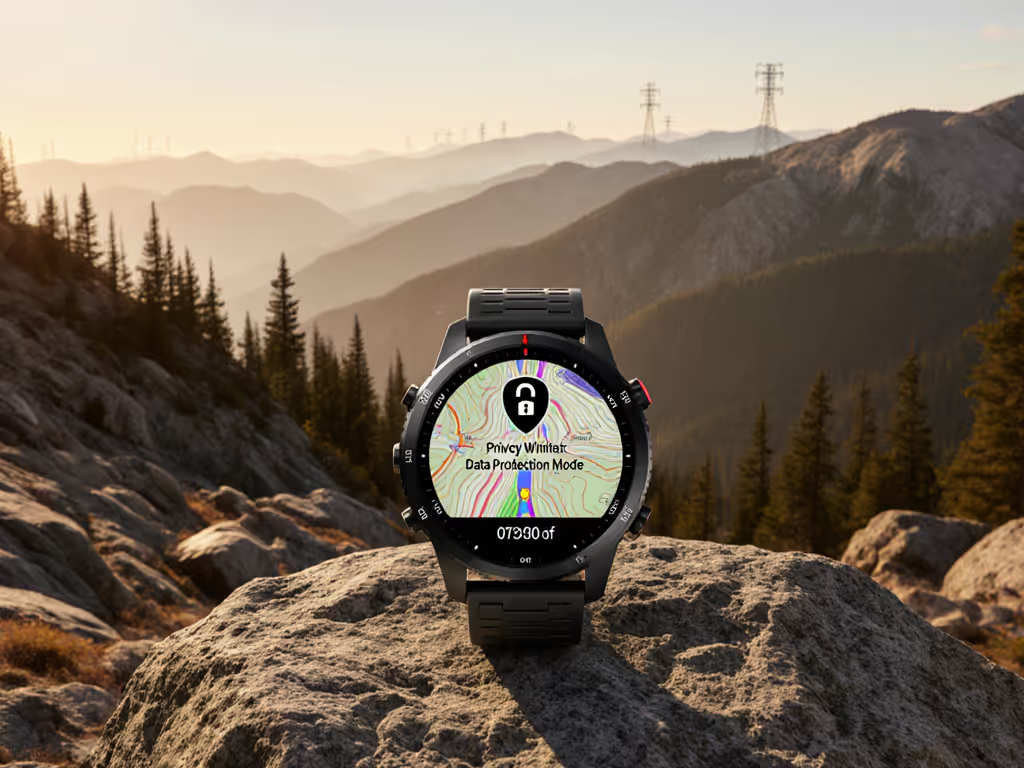
GPS watch privacy for outdoor safety is not a niche concern; it's core risk management when your routes, habits, and heart rate are being logged every second. If you care about location data security off-grid, you need the same discipline you use for nutrition and battery planning (only applied to data).
Plan the power, then press start.
In this guide, I'm going to treat your privacy like a safety system: clear threat model, checklists and presets you can copy, and realistic trade-offs between safety vs privacy balance for solo runs, long traverses, and team missions.
1. What your GPS watch is really recording
Most outdoor watches log three sensitive classes of data: For a deeper look at data handling across brands and the settings that matter most, read our GPS watch data privacy guide.
- Location & movement
- GPS tracks, timestamps, speed, ascent, and routes reveal where you live, when you're away, and your off-grid habits.[6]
- Pre-loaded or recorded POIs (cabins, water, secret lines) can expose critical waypoints if shared.
- Physiological & fitness data
- Heart rate, stress, sleep, and training load are health-related data, which many studies classify as highly sensitive.[6]
- Combined with location, they can indicate medical conditions or operational capacity.
- Identifiers & metadata
- Account email, device ID, sometimes age and sex, plus when and where you sync.[6]
- Cross-linked with other services (social fitness platforms, ad networks), this builds a detailed profile.
A large review of consumer wearables found that devices routinely collect granular health and location information, and that privacy controls are often complex or incomplete for typical users.[6] That matters in the city, but it matters even more when your tracks lead to remote huts, sensitive work sites, or your home.
Where that data can go
In practice your data has three typical homes:
- On the watch - Activity logs, waypoints, basic health stats. Some brands let you keep most of this local and sync via USB instead of the cloud.[1][7]
- On your phone - The companion app often holds a full copy. Permissions (location, Bluetooth, background activity) determine how much more your phone learns.
- In the vendor cloud - As soon as you sync over Bluetooth/Wi-Fi, activities, health trends, and sometimes raw sensor data head to remote servers for storage and analytics.[6]
A privacy-conscious thread in a security community summarized the default pattern: if you use all the "connected" features, assume your watch and app are sending as much data as the vendor can legally collect.[7] You can change that, but not without work.
Batteries lie; logs don't, budget before you boot, always.
Why this is a safety issue, not just a privacy issue
Outdoors, your track is a recovery tool: breadcrumb backtracking, SAR evidence, and debrief data. But the same track, left public or poorly protected, can:
- Advertise when your house is empty (regular 5 a.m. runs from the same door).
- Reveal guide-only routes or sensitive research sites.
- Identify staging areas for SAR, fire, or law-enforcement operations.
Privacy mistakes here aren't abstract, they can burn trust, expose teams, or create real physical risks.
2. Threat model for outdoor GPS watch use
You don't need paranoia; you need a simple threat model. Who might realistically care about your data, and what can they do?
| Actor | Risk | Examples | Practical Mitigation |
|---|---|---|---|
| Casual stalker / burglar | Infers home address & away times | Public routes starting/ending at your front door | Make activities private, crop home zone, avoid public auto-sharing[6][7] |
| Data broker / advertiser | Profiles your routines & health | Fitness app shares with third parties | Restrictive app permissions, avoid ad-driven platforms, opt-out where possible[6] |
| Unknown app/service breach | Mass leak of locations & health data | Cloud platform hacked or misconfigured | Use reputable vendors, minimize uploads, strong auth & MFA[2][6] |
| Operational adversary (e.g., for SAR, field work) | Learns sensitive locations and response patterns | Public tracks of base camps, patrol routes | Strict private or offline-only use, route redaction, separate devices[6][7] |
A systematic review of wearables documented multiple cases where device or cloud security weaknesses exposed sensitive user data, including location.[6] Another privacy-focused community notes that, in many ecosystems, "not syncing" or heavily limiting sync is the only way to fully control exposure.[7]
The point isn't to be invisible, it's to decide what you expose, and to whom.
3. Safety vs privacy balance in the real world
You probably don't want to turn everything off. Some features genuinely protect you: See which GPS watch safety features work off-grid and how to configure them without over-sharing.
- Live tracking for a partner during solo night runs.
- Periodic location pings for high-risk work (fire lines, avalanche control).
- Automatic fall/crash detection.
Consumer safety testing orgs evaluating GPS trackers consistently recommend strong privacy controls, restrictive default settings, and multi-factor authentication as baseline safety measures, because the same features that help find you can be abused if configured loosely.[2]
So we're aiming for configurable profiles, not one setting for everything.
Scenario snapshots
- Weekend trail runner with social sharing
- Wants: segment competition, kudos, basic safety.
- Risks: home address exposure, routine prediction.
- Likely answer: public activities but with home/office zones cropped, limited personal profile info, strict follower controls.
- Guide or SAR member
- Wants: reliable logging and debrief, maybe internal sharing.
- Risks: sensitive waypoints and response patterns going public.
- Likely answer: private or team-only platforms; no public auto-share; separate personal and professional accounts/devices.
- Field scientist at sensitive sites
- Wants: accurate tracks and timestamps for later GIS work.
- Risks: site locations exposed if synced to social or public cloud.
- Likely answer: fully offline recording, manual GPX export to secure storage; no cloud.
On one winter traverse, a cold snap cut most electronics to half their expected runtime. The only device that kept logging day after day was a stripped-down watch: tuned sampling, minimal backlight, maps preloaded at home, and its connectivity pared back to almost nothing. That same mindset works for privacy: what you never transmit can't be leaked.
4. Copyable privacy presets for hikers and runners
Think in presets, the way you think in battery modes. Here are three privacy settings for hikers and other outdoor users you can adapt.
Preset A - Maximum privacy (solo explorer, sensitive work)
Use when routes or sites are sensitive, or you simply don't want any third party to own your logs.
-
Watch
-
Turn off Bluetooth and Wi-Fi except when absolutely needed.[1][7]
-
Disable live tracking, incident sharing, and similar features.
-
Avoid smart notifications; they require more phone connectivity.
-
Phone app
-
Do initial setup, then sign out or block network access for the app using OS/firewall tools.[1][7]
-
Disable social integrations (no auto-upload to social fitness platforms).
-
Turn off "location permission always" on your phone; prefer "only while using the app".[6]
-
Cloud account
-
If you must have an account, use minimal real identity information.[7]
-
Avoid syncing health metrics you don't need (sleep, 24/7 HR) by disabling those options where possible.
-
Data workflow
-
Export activities as GPX/FIT via USB to a local computer instead of cloud services.[1]
-
Store in encrypted folders or drives.
For true off-grid privacy, treat cloud sync like resupply: rare, intentional, and on your terms.
Preset B - Balanced safety (most users)
You accept some sharing for safety and social but with guardrails.
-
Watch
-
Leave Bluetooth on, but disable live tracking by default; enable it only for higher-risk outings.
-
Keep incident detection on if it's reliable in your discipline (e.g., bike vs ski).
-
Limit which activities sync (e.g., workouts yes, sleep no).
-
Phone app
-
Set all privacy options to the most restrictive defaults (activities visible to you or approved followers only).[2][6]
-
Turn off friend-finding and "suggested contacts" features connected to your address book.[6]
-
Opt out of data sharing for marketing or "research" when offered.[6]
-
Cloud account
-
Use a strong, unique password and enable multi-factor authentication (MFA).[2]
-
Review connected apps (Strava, mapping tools) and revoke anything you no longer use.
-
Data workflow
-
Periodically download a local backup of your activities, then delete old ones you don't need from the cloud.[6]
Preset C - Mission / team operations
For guides, SAR, patrols, and work teams.
-
Watch
-
Keep logging and nav fully available.
-
Use dedicated profiles for missions vs personal outings so you can separate data later.
-
Turn off public live-sharing; if needed, use internal systems only.
-
Phone app
-
Route all mission-related sharing through vetted, organization-approved platforms.
-
Restrict personal social accounts from linking to mission devices.[6]
-
Cloud / backend
-
Prefer organization-controlled storage (internal servers, restricted cloud tenants) over general consumer platforms.
-
Establish a clear policy on log retention and redaction before deployments.
5. Fitness data encryption and account hardening
You can't re-engineer your watch's firmware, but you can improve the fitness data encryption methods around it.
Device & phone
- Enable device encryption on your phone and laptop. Modern operating systems provide full-disk encryption; if a device is lost, raw GPX, FIT, or CSV files are much harder to access.
- Use a lock screen with a strong code/passphrase. Many real-world breaches of wearable data start with a stolen phone, not a hacked cloud.[6]
Network & cloud
Most reputable vendors encrypt data in transit (e.g., via standard web protocols) and at rest in their databases, according to their security documentation.[6] But the systematic review of wearables still found issues like weak access controls and unclear third-party sharing across multiple products.[6] If platform policies and exports are a priority, our GPS watch ecosystem comparison explains data workflows, third-party links, and privacy implications.
You can't fix their servers, but you can:
- Turn off login from social accounts (no "Sign in with..." shortcuts).
- Turn on MFA so a password leak doesn't grant access.[2]
- Use email aliases to prevent easy cross-linking between services.
- Periodically audit which third-party apps have access to your account and revoke anything unnecessary.[6]
6. Off-grid workflows for location data security
Your best location data security off-grid comes from workflows that assume no constant connectivity. Preloading maps and using offline nav reduces cloud touches; see our field guide to topo mapping on GPS watches.
Before the trip
- Preload maps and routes at home over a trusted network.[3]
- Disable automatic sync so you control exactly when logs leave the watch.[1][7]
- If you use live tracking for safety, test it in a controlled environment and decide who gets the link and how long it stays active.
During the trip
- Keep your watch in a mode that logs what you need and nothing more: no notifications, no continuous uploads, no experimental sharing features.
- If you need to send a position (satellite messenger, phone when in range), treat that as a deliberate event, like checking a weather window. For tested options and settings, check our GPS emergency location sharing guide.
After the trip
This is where most privacy leaks happen: back in Wi-Fi range, tired, tapping "Sync All".
Use a simple post-trip routine:
- Export raw tracks to a local, organized archive (date, area, team).
- For any activity you plan to share publicly, create a redacted copy: crop start/end to hide home or sensitive sites, remove private waypoints.
- Upload only the redacted version to social platforms.
- Keep the original encrypted and offline if it's operationally sensitive.
A privacy-focused community of smartwatch users stresses that using devices in "offline-first" mode with manual, intentional exports is often the cleanest solution for people who really care about data ownership and leakage.[7] Some watch ecosystems even support full USB-based workflows without ever enabling Bluetooth once initial setup is done.[1]
7. Your 20-minute GPS watch privacy audit
You plan food, gear, and battery budgets. Do the same for data. Here's an actionable next step you can do tonight.
- On the watch (5 minutes)
- Turn off any sharing or live-tracking features you never use.
- Check what's actually being logged (24/7 HR, stress, sleep) and disable anything you don't value.
- On the phone app (10 minutes)
- Set activity visibility defaults (e.g., "Only me" or "Followers").
- Disable contact discovery, friend suggestions, and public leaderboards you don't care about.[6]
- Turn off auto-upload to social platforms unless you truly want it.
- Review app permissions and set location access to "only while using".
- In the cloud account (5 minutes)
- Turn on MFA, change to a strong unique password.[2]
- Revoke third-party app access you no longer use.[6]
- Download a backup and prune old activities that no longer serve training, legal, or operational purposes.
From there, choose one of the presets (Maximum Privacy, Balanced Safety, Mission) and save it in your training log or team SOP. Adjust per trip, the same way you adjust your GPS sampling or battery mode.
Plan the power, then press start, and now, plan the privacy before you press sync.
Related Articles